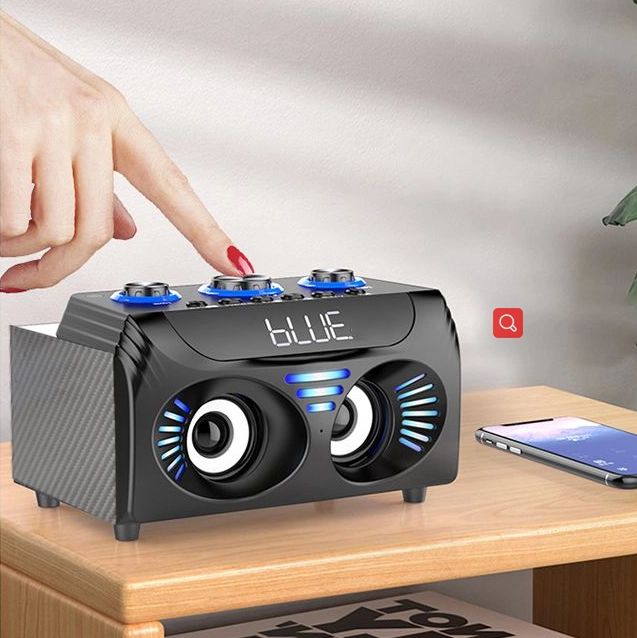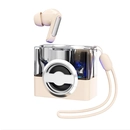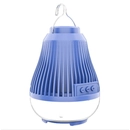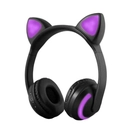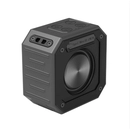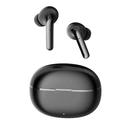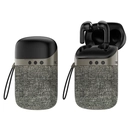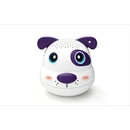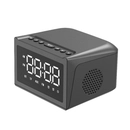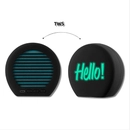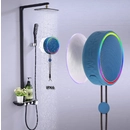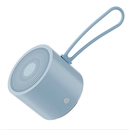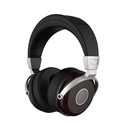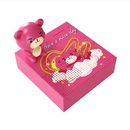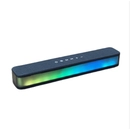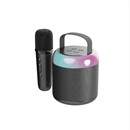












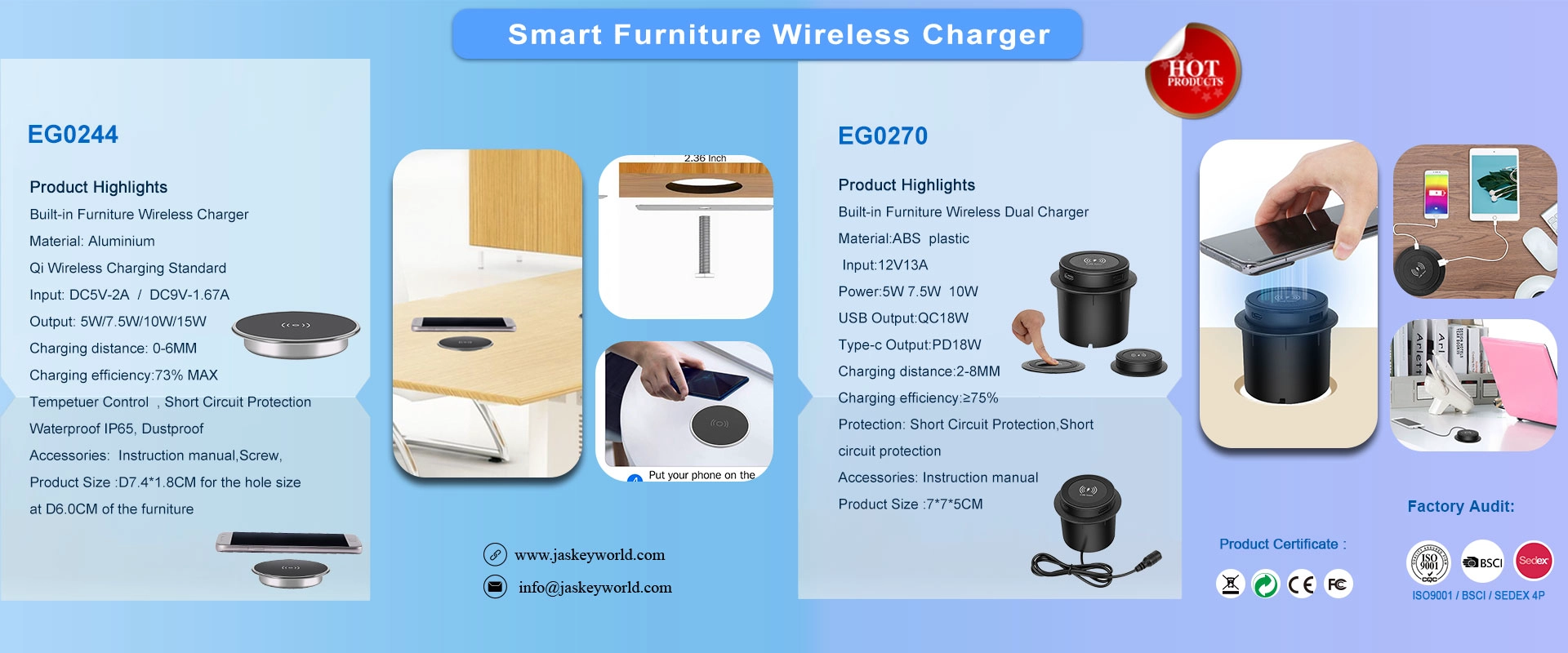
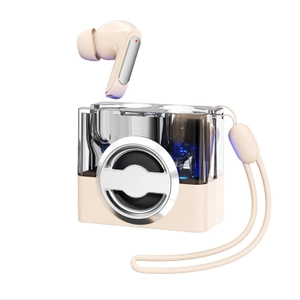
The 2-in-1 Bluetooth Speaker with TWS Earphones combines a portable wireless speaker and true wireless earbuds in one convenient design. Featuring Bluetooth 5.3, a 5W speaker, F13 copper ring earbud drivers, and a 10–15m transmission range, it offers flexible listening for home, office, travel, and everyday entertainment. The earbuds provide approximately 4–5 hours of playback, while the speaker delivers 2–3 hours of music. Made from ABS plastic and silicone, this versatile audio product is ideal for consumer electronics brands, retailers, and gift markets seeking innovative wireless audio solutions.
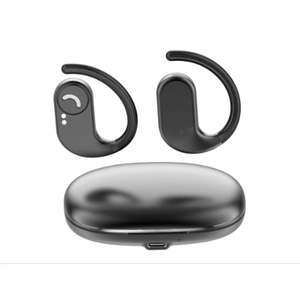
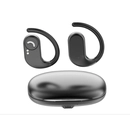
The Sport TWS Earphone features Bluetooth 5.4 connectivity, a compact charging case, and a lightweight ABS plastic design for convenient everyday wireless listening. With a transmission range of up to 10 meters, 2.5–4 hours of playback time, and a 200mAh charging case, it is suitable for commuting, leisure, and daily use. Jaskey Limited offers OEM/ODM cooperation opportunities for brands, wholesalers, importers, and retailers seeking reliable wireless audio products from an experienced China consumer electronics manufacturer.
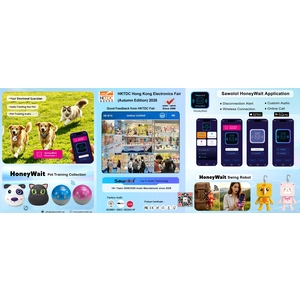
Thanks for visiting our booth in Hong Kong Electronic 2026 Fair (Autumn Edition)
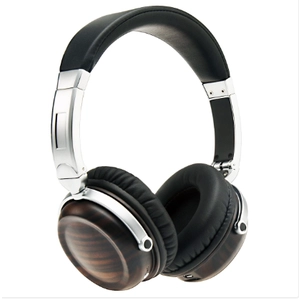
Bluetooth wood headphones, wooden Bluetooth headphones, wood and metal headphones, Bluetooth on-ear headphones, China headphone manufacturer, OEM Bluetooth headphones, ODM headphone manufacturer, private label headphones, Qualcomm aptX headphones, 40mm dynamic driver headphones, custom wireless headphones, headphone product development, China audio manufacturer
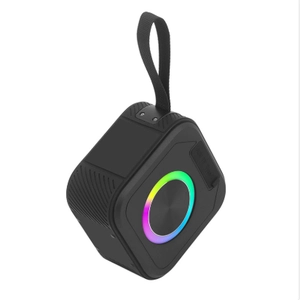
The China Waterproof Portable Bluetooth Speaker combines durable design with versatile audio performance for outdoor and everyday use. Featuring Bluetooth 5.3, hands-free calling, TWS connectivity, TF card and AUX support, it offers flexible listening options in a compact ABS and silicone design. With a 1800mAh battery and water-resistant construction, it is suitable for travel, camping, beach outings, and daily entertainment. Jaskey Limited provides OEM/ODM customization services for brands, distributors, and importers seeking reliable portable Bluetooth speaker solutions.
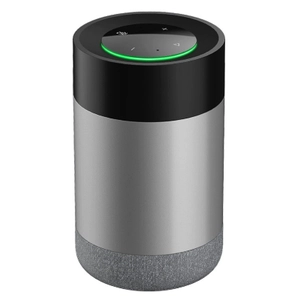
The WiFi Alexa Smart Speaker combines voice control, wireless audio, and smart home connectivity for convenient everyday living. Featuring support for Alexa skills, compatible Tuya smart home devices, multilingual interaction, and app-based control, it offers a practical solution for modern connected homes. With a compact design, 5W speaker output, and 2.4GHz WiFi connectivity, it is suitable for bedrooms, living rooms, and home office environments.
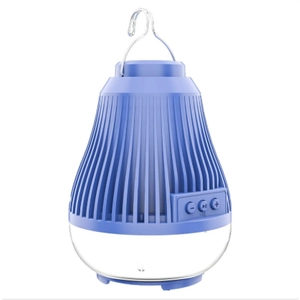
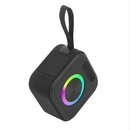
The Outdoor Speaker with Light combines portable audio and ambient lighting in a compact ABS plastic design. Featuring Bluetooth 5.0, USB and TF card playback, a 5W speaker, and a 1200mAh rechargeable battery, it offers versatile entertainment for outdoor activities, home gatherings, camping and travel. With 4–5 hours of working time and multiple playback options, this portable Bluetooth speaker is ideal for retailers, distributors and brands seeking differentiated audio products. OEM/ODM customization and private-label opportunities are available for global markets.
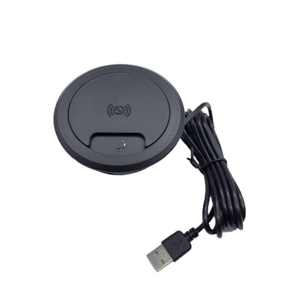
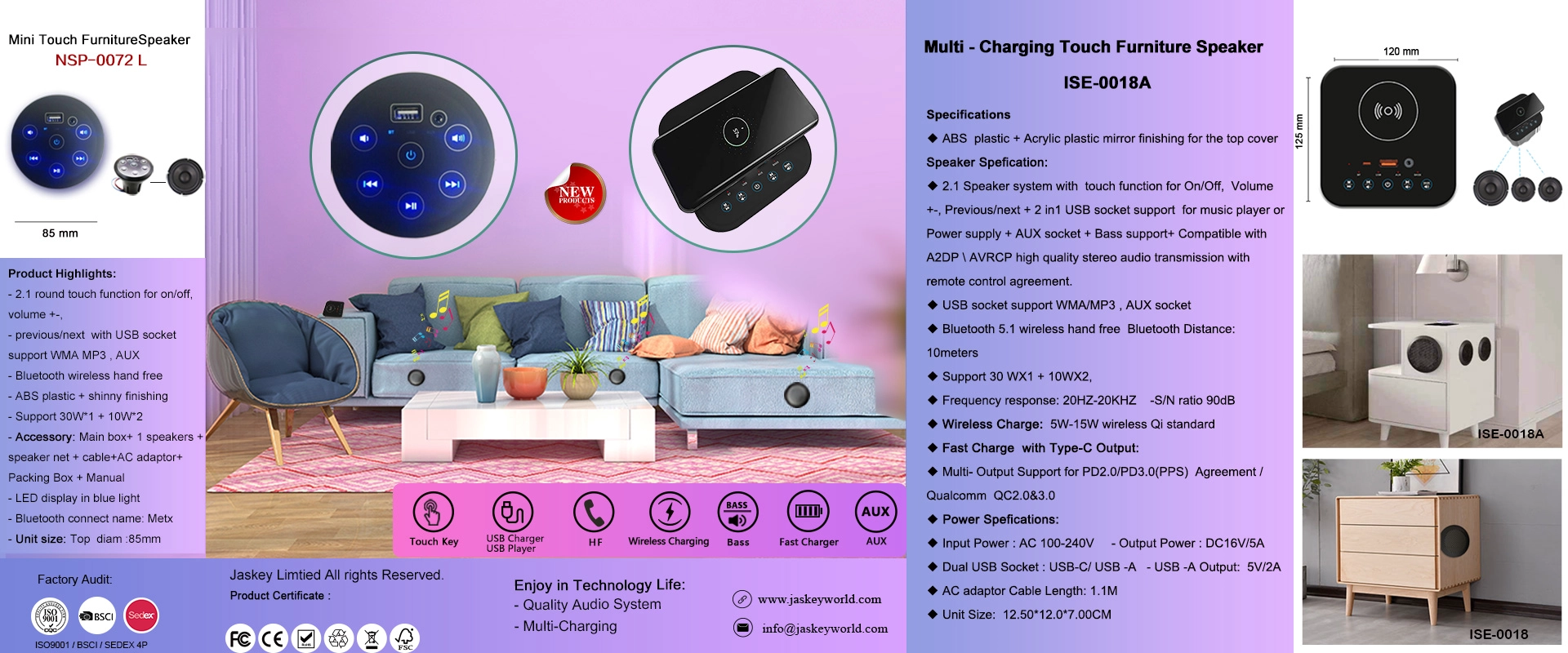
Jaskey Limited is a China-based consumer electronics OEM/ODM manufacturer specializing in built-in furniture wireless chargers and innovative audio products. Our compact wireless charging solutions feature 5W wireless charging, USB and Type-C outputs, and space-saving designs, making them suitable for desks, bedside tables, and modern furniture applications. Since 2008, we have focused on product innovation, quality management, and customized solutions for global markets.
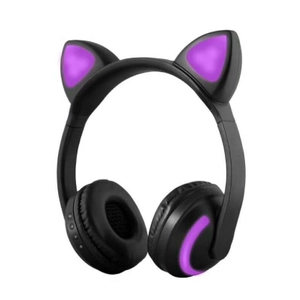
The 4-in-1 Bluetooth Wireless Over-Ear Headphones combine Bluetooth 4.1, TF card playback, AUX input, and FM radio for versatile listening options. Featuring a built-in microphone, convenient control buttons, and up to 15 hours of playback, these headphones are suitable for daily entertainment, commuting, and home use. Jaskey Limited offers OEM/ODM customization services for brands, wholesalers, importers, and retailers seeking flexible headphone solutions for global markets.
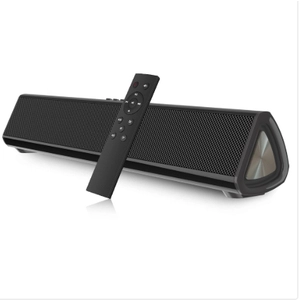
Explore the latest soundbar speaker industry trends, from Bluetooth connectivity and compact lifestyle design to social commerce and e-commerce opportunities. Discover how China OEM/ODM manufacturers support brands, retailers, distributors, and private-label sellers with product development, customization, and scalable audio manufacturing for global markets.
You have to first determine if wireless bluetooth speakers or the audio source (phone, tablet, computer, etc.) is the issue, and what the underlying cause is. If the issue is that the wireless bluetooth speakers has a manufacturing defect or is otherwise damaged, you likely won’t be able to remove the static. So first, we need to determine the root cause of the static and go from there.
You can try moving wireless bluetooth speakers closer to the audio source and note whether the sound quality improves. Then move it away again and see if the sound worsens again. If this can issue can be consistently reproduced, it’s likely one (or both) of the two devices have very limited range and that cannot be helped, since it’s a combination of the limitation of the hardware and Bluetooth technology. Computers can be notorious for having extremely limited range over Bluetooth. In addition, Bluetooth can be susceptible to interference, so if you have any other Bluetooth devices nearby that have their Bluetooth turned on, try moving those away to limit the possibility of interference.